
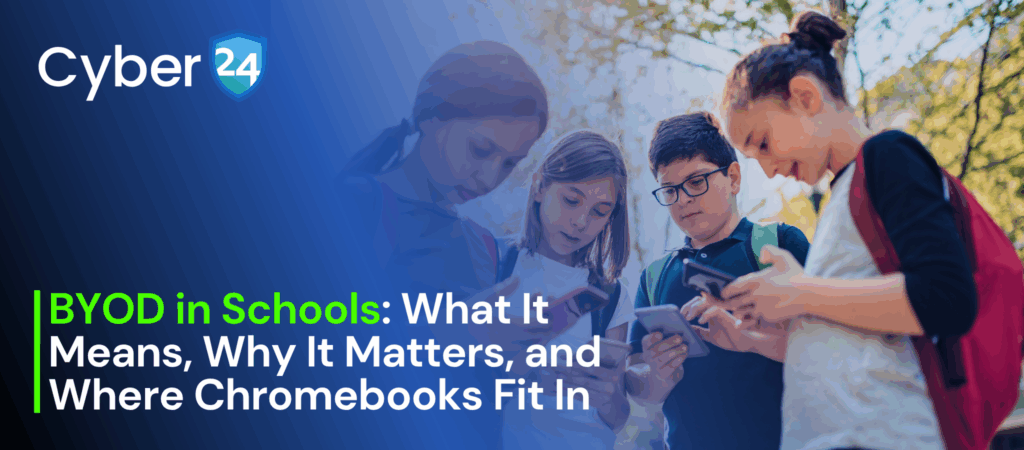
Schools everywhere are rethinking how technology fits into learning. Providing every student with a device sounds ideal, but it often comes with high costs and management challenges. That’s why more schools are turning to BYOD (Bring Your Own Device) — a model where students bring their own laptops, tablets, or Chromebooks to class.
But what does BYOD really mean for schools? Is it only about Chromebooks, or can students use the devices they already own? And most importantly, how does it actually help both schools and learners?
In this blog, we’ll break it down in simple terms from what BYOD is and why it matters, to where Chromebooks fit in and how schools can still run a successful program even without them.
What Does BYOD in Schools Mean?
BYOD stands for Bring Your Own Device. It’s a model where students bring their personal laptops, tablets, or even smartphones to school and use them as learning tools.
Instead of schools investing heavily in providing a device for every student, BYOD shifts part of the responsibility to families. The school focuses on creating the right digital environment, secure Wi-Fi, learning platforms, and policies, so that no matter what device a student brings, they can connect and participate.
In short: BYOD = any device, one connected learning experience.
How is BYOD Helpful for Schools and Students?
A well-planned BYOD program brings many benefits to the classroom:
- Cost Savings – Schools don’t need to buy and maintain devices for every student, which reduces budget strain.
- Personalized Learning – Students work on devices they’re already comfortable with, making learning smoother.
- Flexibility – Whether it’s a laptop, tablet, or Chromebook, students can access digital lessons, assignments, and apps.
- Familiarity Builds Confidence – Students spend less time figuring out a new system and more time focusing on actual learning.
- Scalable Model – As the number of digital tools grows, BYOD adapts easily without schools constantly upgrading hardware.
Simply put, BYOD helps schools stretch resources further while empowering students with modern learning tools.
BYOD and Chromebooks: Why They’re So Popular
When you hear BYOD in education, Chromebooks often come up. And for good reason:
- Affordable – They cost less than most laptops, making them accessible for families.
- Easy Management – Schools using Google Workspace for Education can manage Chromebooks centrally, controlling apps, updates, and security settings.
- Built for the Cloud – With most schoolwork happening online, Chromebooks are lightweight, fast, and reliable.
- Secure by Design – Sandboxed apps, automatic updates, and strong account-based controls keep student data safe.
That’s why many schools choose Chromebooks as their preferred BYOD device — they’re cost-effective, simple to use, and easy to manage in bulk.
But What If You Don’t Have Chromebooks? Don’t Worry.
Here’s the good news: BYOD is not tied to Chromebooks.
If your students already own Windows laptops, Macs, iPads, or even Android tablets — you can still build a successful BYOD environment. What matters most is not the device brand, but the infrastructure and policies you put in place.
For a smooth non-Chromebook BYOD rollout, schools should focus on:
- Strong Wi-Fi Connectivity – A reliable, secure network that can handle hundreds of devices at once.
- Learning Platforms That Work Everywhere – Tools like Google Workspace, Microsoft 365, or web-based LMS that are device-agnostic.
- Identity & Access Management – Secure logins (SSO, 2FA) so only the right people access school resources.
- Mobile Device Management (MDM) – For mixed-device setups, MDM helps enforce security, push updates, and manage apps across platforms.
- Clear BYOD Policy – Guidelines on what devices are allowed, minimum requirements, and rules for safe use.
The bottom line: Chromebooks make BYOD easier, but they’re not the only path. With the right strategy, your students’ existing laptops or tablets can serve just as well.
Final Thoughts: BYOD is About Flexibility, Not a Single Device
At its core, BYOD is about giving students the tools they need to learn — without schools having to carry the entire cost burden. Chromebooks have emerged as a strong option, but they are not the only option.
Whether your school invests in Chromebooks or embraces a mix of devices, success depends on planning, infrastructure, and the right digital ecosystem. If those pieces are in place, your BYOD program can unlock more engaging, personalized, and future-ready learning experiences for every student.